INTELICOM Service Desk
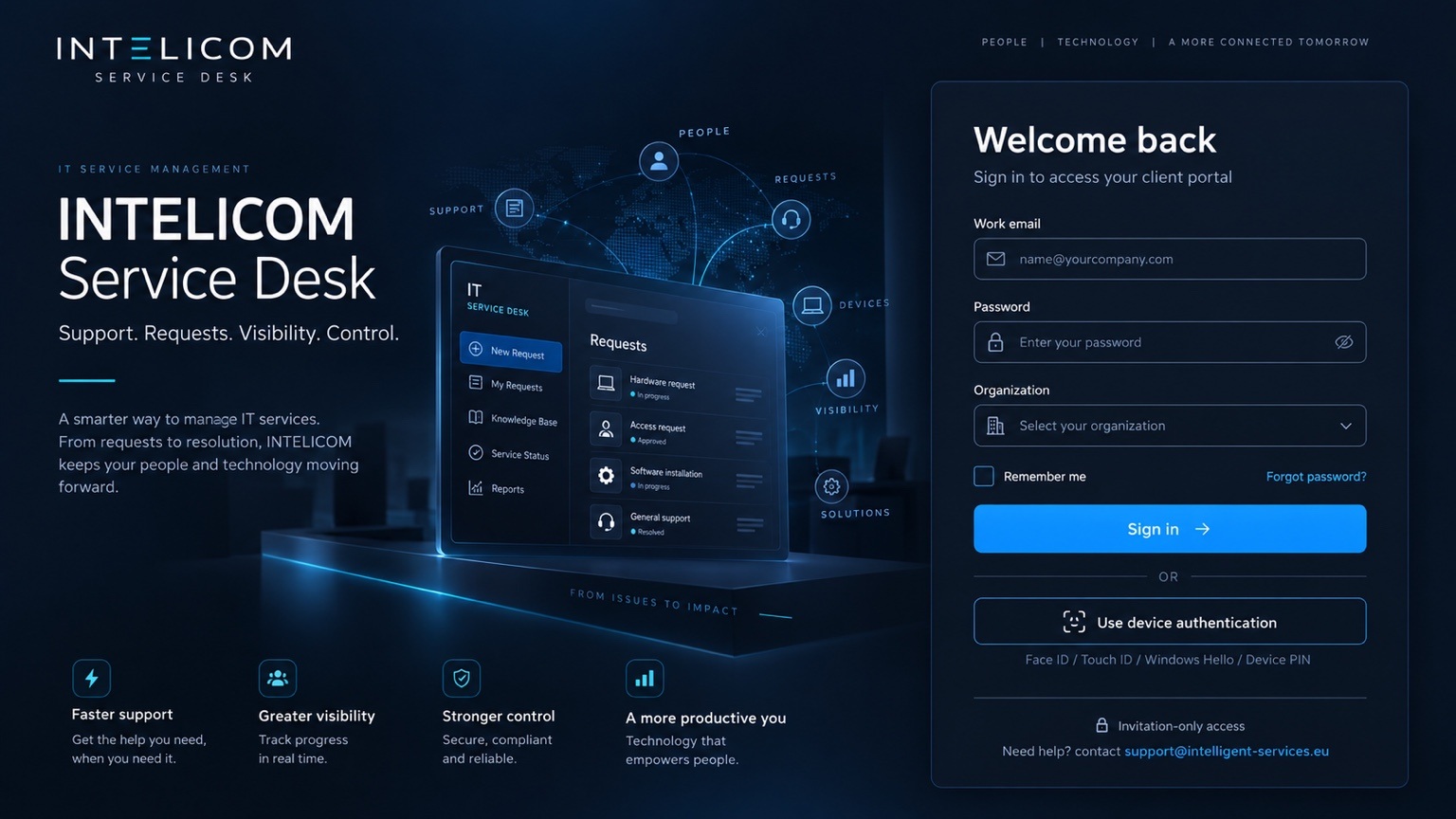

Welcome back
Sign in to access your client portal
Activate your account
Set your password to complete primary credentials.
Verify with passkey
Primary credentials verified. Complete the mandatory phishing-resistant second layer.
A synced passkey may verify your identity. It does not automatically trust a new device.
Verify Registered Trusted Device
Passkey verified. Complete the separate INTELICOM device-trust control.
A separate cryptographic key binds this browser/device profile to your INTELICOM account.
Secure access verified
All required access controls succeeded.
Trusted Devices
Review and revoke the devices linked to this account. A new device requires a one-time enrollment link plus Layer 1 and Layer 2 verification.
Windows Hello / local passkey
Add a passkey on this device after verifying your existing passkey and this Trusted Device. In the Windows prompt, choose Windows Hello / This Windows device.
Support. Requests. Visibility. Control.
Welcome back
Sign in to access your client portal
Activate your account
Set your password to complete primary credentials.
Verify with passkey
Primary credentials verified. Complete the mandatory phishing-resistant second layer.
A synced passkey may verify your identity. It does not automatically trust a new device.
Verify Registered Trusted Device
Passkey verified. Complete the separate INTELICOM device-trust control.
A separate cryptographic key binds this browser/device profile to your INTELICOM account.
Secure access verified
All required access controls succeeded.
Trusted Devices
Review and revoke the devices linked to this account. A new device requires a one-time enrollment link plus Layer 1 and Layer 2 verification.
Windows Hello / local passkey
Add a passkey on this device after verifying your existing passkey and this Trusted Device. In the Windows prompt, choose Windows Hello / This Windows device.
Dashboard
Requests & Tickets
Find and manage requests in your current organization.
Create Incident or Service Request
Request
Trusted Devices
Review, rename and revoke the browser/device profiles linked to this account.
Windows Hello / local passkey
Add a passkey on this device after verifying your existing passkey and this Trusted Device. In the Windows prompt, choose Windows Hello / This Windows device.
Organizations & invitations
Users & Access
Owner-managed access for INTELICOM internal users. Global Owner remains protected.